

Keypad, Intercom or Phone App: Choosing a Gate Entry System
Three devices do the same job at a driveway gate in completely different ways. A keypad asks for a number. An intercom starts a conversation. A phone app moves the decision to whoever is holding the phone. Choosing a gate entry system in Riverside or Corona comes down to three questions: who is arriving, how often that list changes, and who will still be administering it in five years. The ownership differences are larger than the hardware ones.
What a Gate Entry System Actually Switches
Wired through a relay, all three make one electrical event: a momentary contact closes across the operator’s open input. A standalone keypad closes it with an onboard relay. A telephone-entry unit closes it when the person you called presses a digit. An app closes it through a relay board at the gate. The operator then sees the same two-wire command every time and cannot tell them apart, which is why swapping devices does not cure a fault on the operator’s side, and why diagnosis starts at the gate operator. Some app hubs skip the relay: one maker’s cellular hub plugs into the operator board’s module port, and its app reports gate status and safety sensor failures.
That shared input has one consequence running through everything below: whichever device you choose sits outside the operator’s entrapment monitoring. On an operator manufactured after 11 January 2016, UL 325 has the operator monitor each external entrapment protection device, checking it for presence and for an open or short circuit at least once during every open and close cycle. Nothing in that check reaches the keypad, the call box or the relay board, and nothing reaches an inherent means inside the operator or a loop detector either: monitoring covers external entrapment protection devices only.
Six Feet Is the Floor, Not the Target
The UL 325 control provision has two halves: controls intended for user activation must be at least six feet from any moving part of the gate, and placed where the user is prevented from reaching over, under, around or through the gate to operate them. Together they rule out the obvious spots: a control on the leaf, or on a post within arm’s reach of the opening, sits inside six feet and can be worked from the wrong side of a closed gate. That constraint is unique to entry devices: nothing else here must be reachable by a stranger and unreachable through the gate at once. A driver must also reach it from a car stopped clear of the gate, so six feet is a minimum, not a placement.
What Each Device Tells You When the Gate Will Not Move
“The app stopped working” does not always mean anything is wrong with the app. When a monitored sensor guarding the opening direction faults, the operator must then run only on constant pressure in the direction that device protects, or move only by hand, and a momentary command no longer opens the gate. A relay keypad still sounds its accept tone, because its relay really did close. The intercom rings through and the digit really is sent. A command-only app reports success loudest, because what it confirms is that the relay board got the message, not that the gate moved. Ask before buying whether the product reports gate state or only command state.
Keypad, Intercom or App: Matching the Device to the Visitor
A Keypad Suits a Short List That Rarely Changes
A standalone keypad at the driveway needs no network, no phone line and no account, so nothing about it expires on its own. The catch is that a code proves knowledge, not identity: anyone who has been told it gets in, and so does anyone they tell. A keypad wired back to a controller speaks a credential protocol instead, and whether that link is supervised or silent when a wire is cut is an access control decision rather than a keypad one.
What a Relay-Only Keypad Will Never Tell You
A basic standalone relay keypad gives the operator an open command without identifying who entered the code. A model with its own event memory can still log codes locally, so the relay connection alone does not tell you whether records exist. If you need named-user history, specify an app or access controller with documented event logging and confirm what it records. Per-trade codes and code rotation help manage access, but they do not create a log in hardware that lacks one.
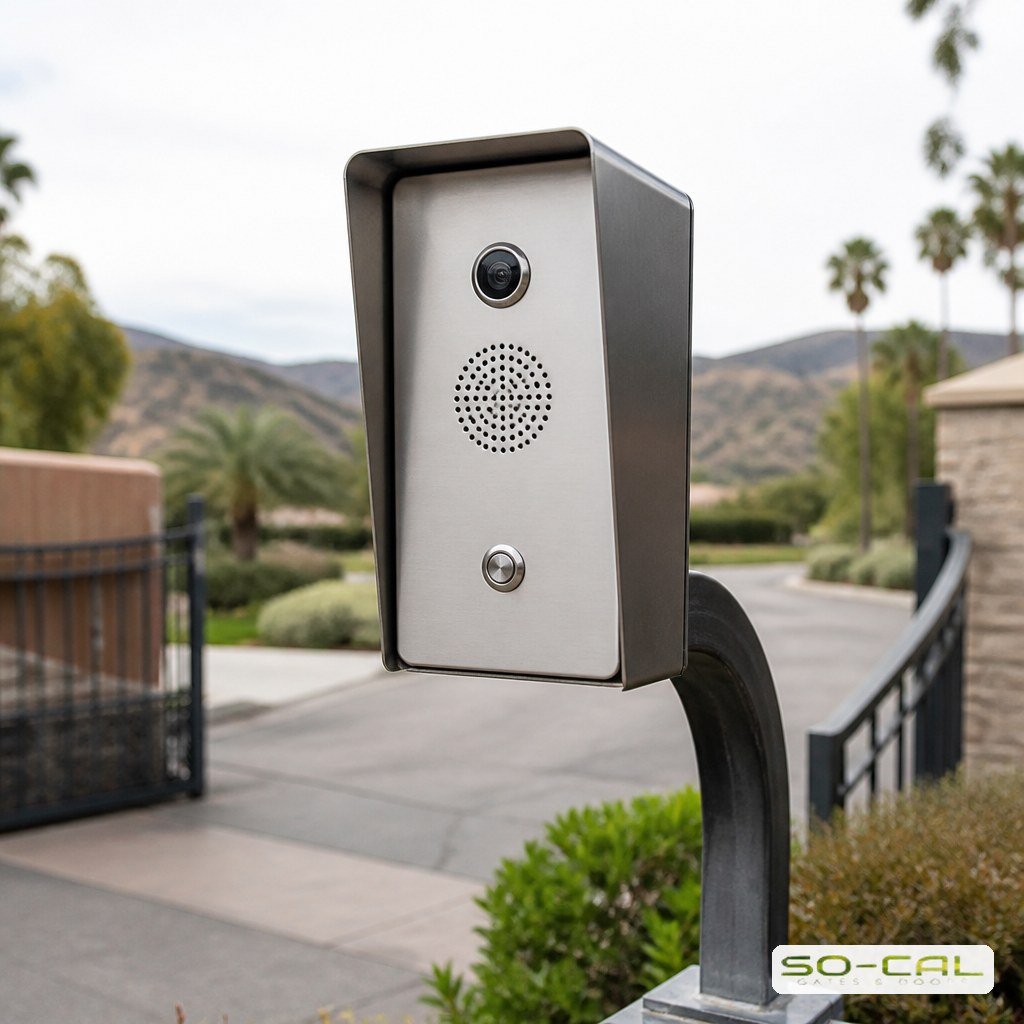
An Intercom Suits Visitors You Have Never Met
An intercom lets you judge a stranger while the stranger is standing there. That decision has to travel somewhere, and the path is where intercom systems age: the 3G shutdowns of 2022 — AT&T’s from February, Sprint’s CDMA network by March 31, T-Mobile’s UMTS network by July 1, Verizon’s by December 31 — left 3G-only call boxes on those networks with nothing to connect to, however sound the box itself was.
A Phone App Suits a List That Changes Every Week
Apps win wherever the list turns over: a shared driveway, a rental, a yard with contractors in and out. Adding or revoking one person leaves everyone else’s access untouched. The trade is dependence in four parts that lapse independently — a live account, a data path at the gate, a cloud service still operating, and an app version your phone’s next update still supports. Power differs too: every powered device at the gate adds standby draw, and that figure is what to hand over when a solar gate is sized.
Keep One Credential That Works When the Internet Does Not
Whichever device leads, specify a second way in that asks nothing of the network: a wired code on its own relay, a key switch, or a manual release you have actually operated with the power off. The test: if the connection at the house were cancelled tomorrow, could the people who need to get in still get in today?
The Administrator Is Part of the System
An app-led gate needs someone responsible for its administrator access, and that responsibility has a service life. If only one person can add or revoke users, the property depends on that person staying available. A keypad can wear visibly; an account handover can be missed entirely when a manager changes jobs. Specify support for a second administrator and give that person access at commissioning.
At Handover, Move the Account Before the Keys
When a property or a tenancy changes hands the devices transfer by themselves and the account does not. Move the account first, revoke every credential belonging to the previous occupant, and rotate any code handed to a service company. A leftover credential gives no sign that it still works, which is why the revocation list belongs in the handover rather than after it.
What Each One Asks of You Over Its Life
The three devices fail in different currencies. A keypad fails as hardware you can see and touch. An intercom fails as a service that stops existing. An app fails as an administrative relationship nobody renewed.
- Keypad: reseal the enclosure, check the keys for wear, rotate codes on a schedule you set. Nothing on a keypad prompts you.
- Intercom: a landline, a SIM or a network account has to keep existing, and any can change without consulting you.
- Phone app: administrative upkeep — invitations, supported software, any required service account, and someone holding the login when the property changes hands — alongside upkeep of the hub and its power supply.
The keypad’s upkeep is occasional and physical, the app’s constant and administrative, and the intercom’s largely out of your hands. Choose the failure you would rather manage.
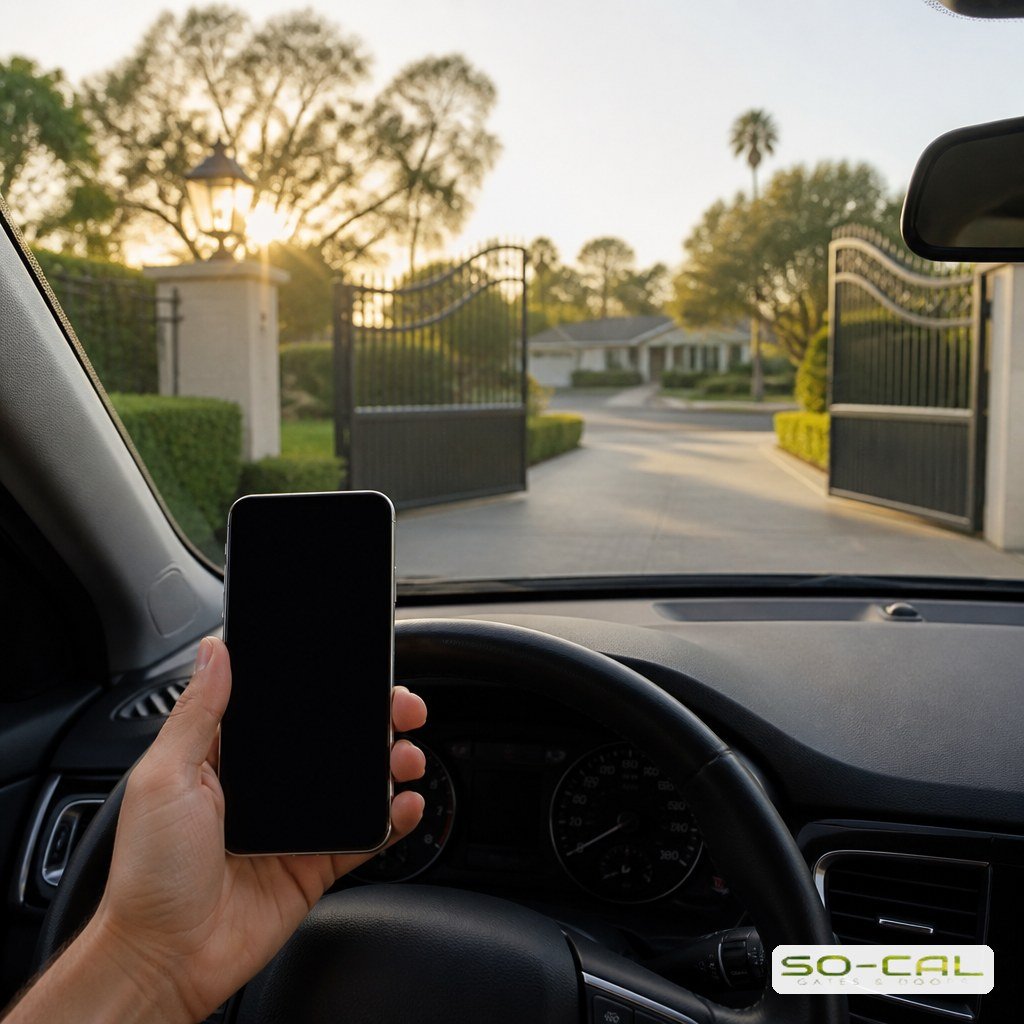
Inland Empire Conditions That Narrow the Choice
An entry pedestal stands at driver’s-window height in the landscape strip beside the drive, and where that strip is irrigated, water reaches the device on the controller’s schedule rather than the weather’s. Each device puts something different in its path. A keypad puts its keys there. An intercom puts a speaker and a microphone there, and the installation manual for DoorKing’s 1802 telephone-entry unit says not to install it next to landscape sprinklers. An app puts the least there, a radio in a sealed box, and moves the exposure to the power supply feeding it. Run the irrigation zones and watch before the base is set.
The same manual lists turnaround lanes for rejected access among the things to plan when siting the unit. A keypad refuses a wrong code and an intercom refuses a stranger; site the pedestal so a refused driver can turn around short of the closed gate.
The fire department is the one visitor whose credential you never issue, and what it requires at your gate depends on which fire authority serves the address: our page on gate access control sets out where each authority’s rules apply, so settle it before the pedestal is set.
Conclusion: Choose the Device That Matches Your List
A gate entry system is a decision about people rather than hardware. A short, stable list is served best by a standalone keypad, which asks nothing of any network. Visitors you have never met need an intercom, and the path behind it decides how long it lasts. A list that changes weekly belongs in an app, with a named second administrator and a network-independent credential in reserve. Whichever way it goes, the operator and the sensors have to be right first. Call SO-CAL Gates & Doors at (951) 500-1806 to walk your driveway and match the choice to how the gate is used.
Frequently Asked Questions
Can I run a keypad and a phone app on the same gate?
Yes. With a relay-board app, both land on the same open input: the keypad wired directly, the app’s relay board in parallel. A hub that plugs into the operator board may take its keypad over a data bus instead. Keep a relay-wired keypad for when the network is down, and use the app for people whose access you expect to revoke.
Why does my gate open from the app but not from the keypad?
If both share one open input, the app has just proved that input works, so the fault is on the keypad’s side: the pad, its relay or the wire back to the operator, which the operator does not monitor.
Which entry device tends to fail first?
Ask which part rather than which device. An intercom can lose its line or carrier network while the box still works, as 3G-only units did in 2022. A keypad’s weak points are physical: the seal and the keys under your finger. Apps fail administratively, when the account holder moves on and nobody else can add a user.
Does the entry device change the gate’s safety requirements?
No. Entrapment protection belongs to the operator and its sensors, and the requirements are identical behind a keypad, an intercom or an app. The one consequence for your choice: a faulted sensor stops a momentary command in the direction it protects, from all three alike, so buy an app that reports the gate’s position rather than only that it sent the command.