

Commercial Access Control Systems: A Guide for Businesses
A well designed commercial access control system does far more than unlock a gate. It decides who may enter your property, when they may enter it, and leaves a record of every entry, which turns a passive barrier into managed infrastructure. For businesses across Riverside and Corona, that shift matters for security, for liability, and for the simple operational reality of managing staff, contractors, and deliveries without handing out keys. Here is how these systems work and how to specify one properly.
What Access Control Actually Delivers
Traditional keys have three problems that scale badly with a business. They can be copied without your knowledge, they cannot be revoked without rekeying every lock, and they leave no record of who came and went. Every one of those problems disappears the moment credentials become electronic.
A modern system lets you issue a credential to a new employee in seconds and disable it just as quickly when they leave. It restricts entry to defined hours, so a cleaning contractor can enter on Tuesday evening and no other time. And it logs every event, which matters enormously when you need to reconstruct what happened on a specific night.
Commercial Access Control Methods Compared
Several credential types dominate commercial sites, and most businesses end up combining two or three because different groups of people need different levels of convenience and control.
Cards and Fobs
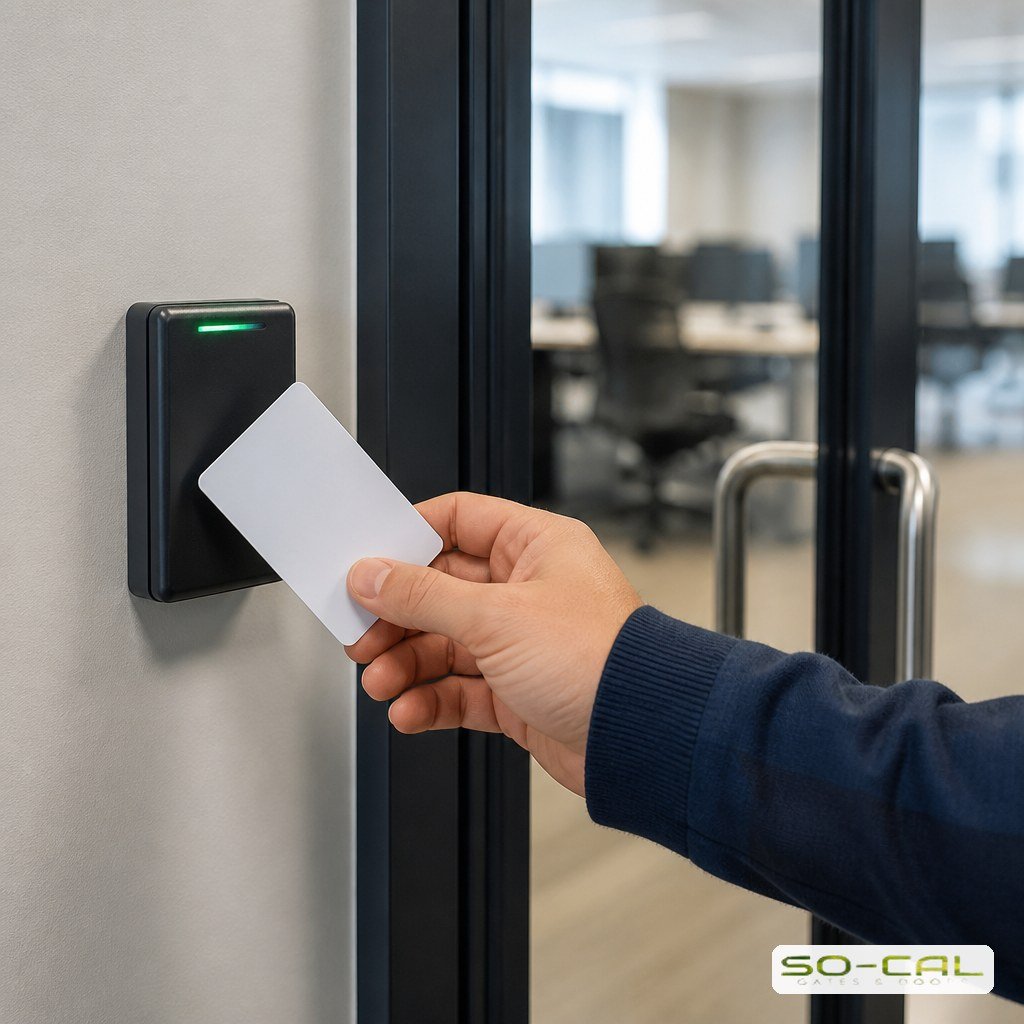
Card and fob readers are the workhorse of staff access. Each credential is individually identifiable, so the log shows exactly who entered rather than merely that someone did, and losing one means disabling a single card rather than rekeying a building. They suit any site with a stable roster of regular users.
Keypads and Codes
Keypads need no hardware in anyone’s pocket, which makes them ideal for contractors, temporary staff, and occasional visitors. Codes can be changed the moment a job finishes. The trade off is that a shared code identifies a group rather than a person, so keypads work best alongside individual credentials rather than instead of them.
Intercoms, Cameras, and Remote Entry
For visitors and deliveries, the question is not which credential they hold but whether you want to let them in at all.
Screening People at the Entrance
Video and audio at the gate turn an unknown vehicle into a decision someone can actually make, and modern systems let that decision happen from anywhere.
Video Intercoms
A video intercom lets staff see and speak with whoever is at the entrance before granting access. It is the single most useful addition for sites that receive irregular deliveries, since it replaces guesswork with a short conversation and a visual confirmation.
Mobile and Remote Access
Smartphone based systems let an authorized manager open the gate from anywhere, grant a one time entry to a courier, or check who is currently on site. For businesses with multiple locations or after hours deliveries, this alone often justifies the upgrade.
License Plate Recognition
On high volume sites, stopping every vehicle to present a credential creates a queue that spills into the street. Plate recognition reads registered vehicles as they approach and opens without a stop, which solves a throughput problem that no card reader can.
Scheduling, Zones, and Audit Logs
The features that separate commercial systems from residential ones are rarely about the hardware at the gate. Scheduled access restricts entry automatically outside business hours, so nobody has to remember to lock up. Zoning grants different credentials access to different areas, so warehouse staff reach the yard but not the server room.
Audit logs are the quiet workhorse. Knowing precisely who entered and when resolves disputes, supports insurance claims, and creates accountability that changes behavior on its own. When a system integrates the gate with building doors under one set of credentials, that record covers the whole site rather than one entrance.
Integrating With Gates and Existing Security
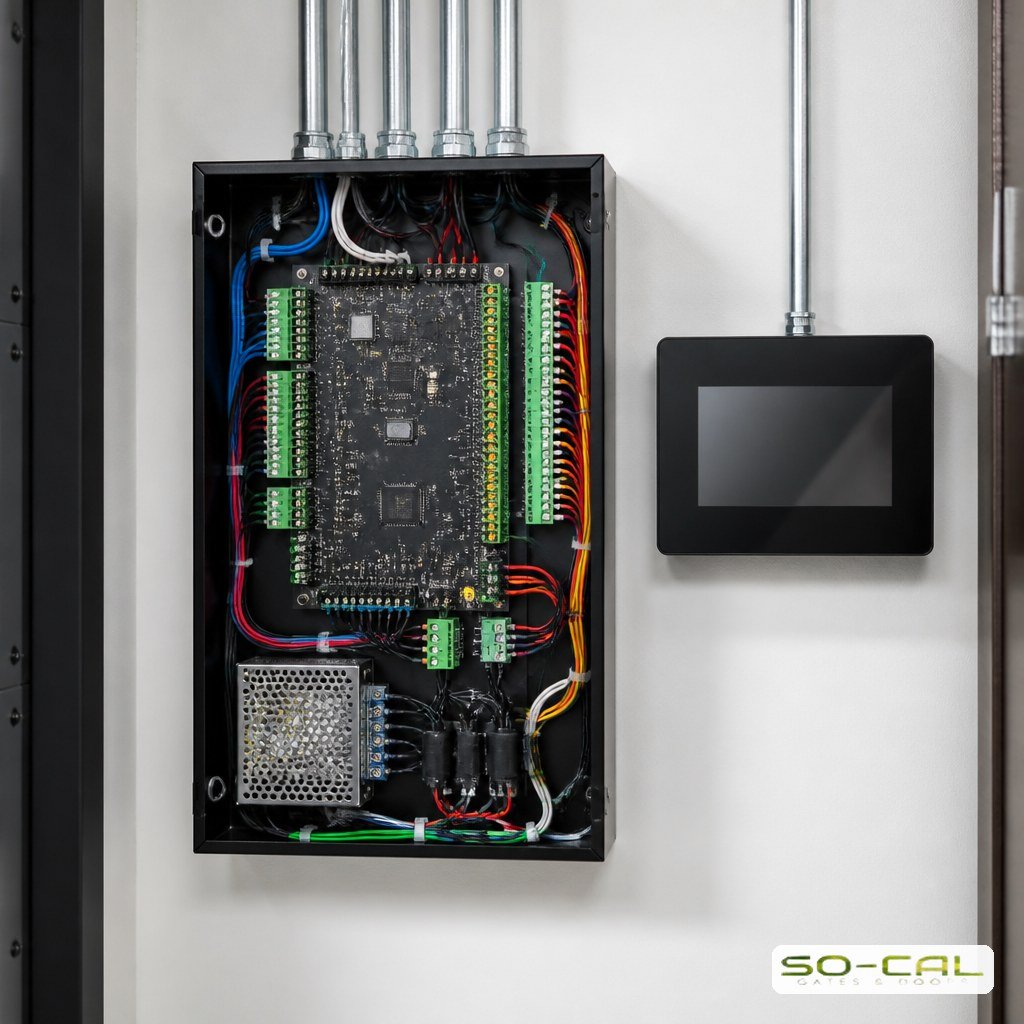
Access control is most effective when it is planned together with the physical barrier rather than bolted on afterwards. The reader, the operator, the safety devices, and any camera system need to talk to each other, and retrofitting that conversation is consistently more expensive than building it in.
If you are already planning a commercial gate installation, specify the access system at the same time. If you have an existing gate, most can be upgraded, and a proper access control assessment will tell you what your current operator and wiring can support before anything is ordered.
Choosing the Right System for Your Site
Work through these questions before comparing products:
- How many people need regular access, and how often does that list change?
- Do different groups need access to different areas or at different times?
- How much traffic passes through at peak, and would stopping create a queue?
- Do you need an audit trail for insurance, compliance, or accountability?
- Will this need to integrate with existing cameras, alarms, or building doors?
The answers usually point clearly at a specification. A small office with twelve staff and predictable hours needs something very different from a distribution yard with shift changes and constant deliveries, and specifying either one for the other wastes money in opposite directions.
Conclusion: Building Access Control That Works
Good commercial access control replaces keys you cannot track with credentials you fully manage, adds scheduling and zoning that enforce your policies automatically, and leaves a record you can rely on. Specify it alongside the gate, match the credential types to how people actually use your site, and it becomes infrastructure that quietly does its job. Ready to scope a system for your business? Contact SO-CAL Gates and Doors for a free site assessment and a detailed proposal.
Frequently Asked Questions
What is the difference between commercial and residential access control?
Scale and management features. Commercial systems handle many individually identifiable credentials, support scheduled and zoned access, and maintain audit logs for accountability and compliance. Residential systems focus on convenience for a small, stable group of users and rarely need that administrative depth.
Which credential type is best for employees?
Cards or fobs, in most cases. Each credential is individually identifiable, so logs show exactly who entered, and a lost card is disabled in seconds rather than requiring a rekey. Many sites add a keypad alongside for contractors and temporary users who do not warrant issued hardware.
Can I add access control to an existing gate?
Usually yes. Most automated gates can accept added readers, keypads, intercoms, or cameras, provided the operator and wiring support them. An assessment confirms what your current setup can handle and whether any control board or power upgrades are needed before specifying components.
Do I really need audit logs?
They are more useful than most businesses expect. Logs resolve disputes about who was on site, support insurance claims, and create accountability that improves behavior on their own. For any business handling valuable inventory or sensitive areas, the record is often the feature that justifies the system.
How does scheduled access work?
You define time windows for each credential or group, and the system enforces them automatically. Staff enter during business hours, a cleaning contractor’s code works only on their scheduled evening, and everything is locked outside those windows without anyone having to remember. It removes a recurring manual task entirely.