

Smartphone Gate Access and Keyless Entry Explained
Remotes get lost, keypad codes get shared, and neither helps when you are at work and a delivery driver is waiting at your gate. Smartphone gate access solves those problems by moving control from a piece of hardware in the car to an app on the phone you already carry — and by letting you grant, watch and revoke access from anywhere. This guide explains how these systems actually work, what a cell hub adds, how they compare with the keypads and remotes most entrances already have, and the questions worth asking before you commit.
How Smartphone Gate Access Works
At the gate, nothing revolutionary happens: a control unit still sends the same open signal to the operator that a remote would. What changes is where that instruction comes from and what has to happen before it is accepted.
Instead of a radio button paired to a receiver, the gate is connected to a network, and the app authenticates you against an account before the command is passed on. That single change is what makes remote access, guest permissions and an audit trail possible, because now there is a system that knows who is asking rather than just a signal that matches.
Cellular Hubs Versus Wi-Fi
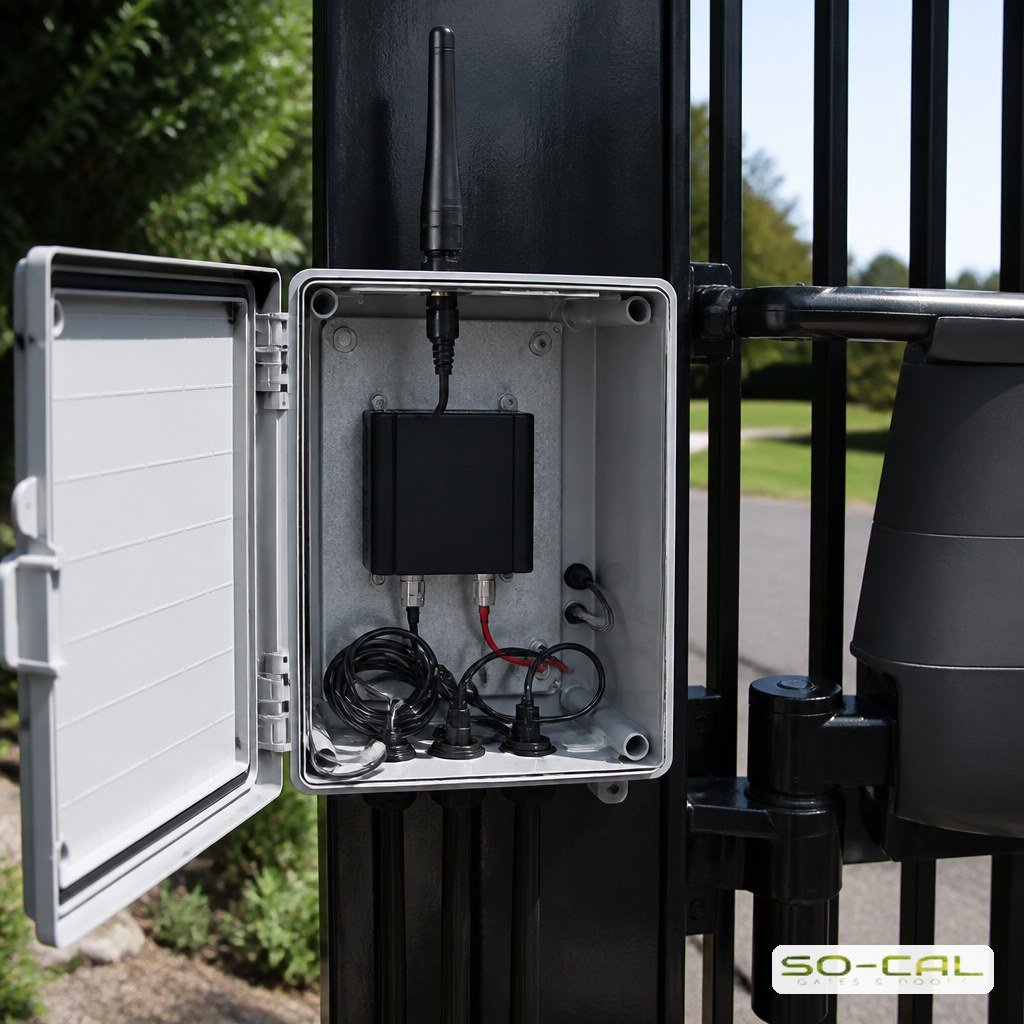
The gate needs a connection, and there are two realistic ways to give it one. Wi-Fi works where the property’s network genuinely reaches the gate with a solid signal, which on a long driveway is often less true than people assume. A cellular hub gives the gate its own connection independent of the house network, which is why it is the more common choice on properties where the gate is any real distance from the building.
Cellular usually carries a subscription, and that is worth factoring in from the start rather than discovering later. In exchange it removes the dependency on household Wi-Fi, keeps working if the home router is replaced or reconfigured, and tends to be more stable over time. Where the entrance already uses a manufacturer’s own hub and app, adding it to the existing remote systems is usually cleaner than mixing platforms.
What Happens When the Connection Drops
This is the question people forget to ask, and it is the one that matters most in practice.
Keep a Local Method
A well-designed installation never relies on the network alone. A keypad, a conventional remote or a card reader continues to work regardless of connectivity, because those talk to the receiver directly. The app becomes the convenient primary method and the local option remains the fallback, which means an outage is an inconvenience rather than a lockout.
Check the Signal at the Gate
Signal strength should be verified at the actual gate position before anything is ordered, not at the house or from a coverage map. Metal gates, pillars and dips in the driveway all affect reception, and a hub that shows two bars on installation day is a support call waiting to happen. Any competent installer will test this first.
The Detail Worth Insisting On
Ask what happens to the gate if the subscription lapses, the account is closed, or the manufacturer discontinues the platform. Cloud-dependent hardware can become considerably less useful when the service behind it changes, and the answer varies a great deal between manufacturers. A system that degrades gracefully to local control is worth more over ten years than one with a slightly better app today.
Comparing the Entry Methods
Most entrances end up using several methods at once, because different people need different kinds of access. Understanding what each does well makes it easier to combine them sensibly rather than adding whatever comes up next.
- Remote: instant, works without any network, nothing to look up — but easily lost, hard to revoke, and one per vehicle
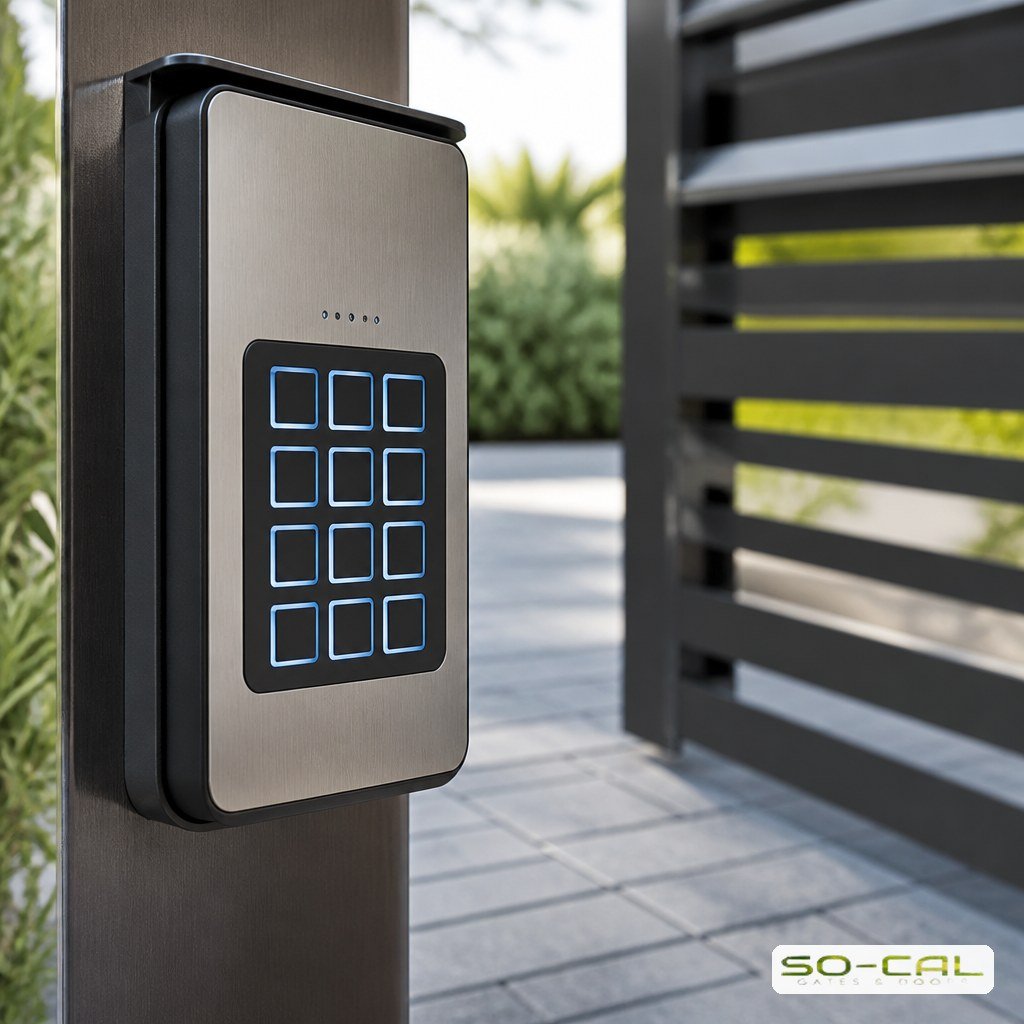
- Keypad: nothing to carry, ideal for regular service providers, codes can be changed — but codes get shared and rarely get updated
- Smartphone app: remote access from anywhere, per-person permissions, an activity log, easy revocation — but depends on a connection and often a subscription
- Card or fob: fast and reliable for staff and multi-tenant sites, easy to deactivate individually — but another item to issue and manage
- Intercom: the only method that handles people you were not expecting
The combination that suits most homes is an app for the household, a keypad for expected service providers, and an intercom for everyone else. Commercial and multi-tenant entrances usually add cards or fobs because issuing and revoking individually matters more there. Where the whole scheme is being reconsidered, planning it as one access control system rather than accumulating methods over the years gives a cleaner result and generally costs less.
What Keyless Entry Adds Beyond Convenience
The convenience is obvious. The less obvious benefits are the ones that tend to matter more once a system has been running for a while.
Per-person access means a housekeeper, a gardener and a family member can each have their own credential rather than sharing one code, so revoking one does not disrupt everyone else. Time-limited access lets you grant entry for a specific window, which is genuinely useful for contractors and deliveries. An activity log tells you when the gate was opened and by whom, which resolves a surprising number of small domestic mysteries. And remote opening means you can let someone in without being home, which is the feature most people end up using daily.
None of that replaces the physical security of the gate itself. A credential system controls who is authorized; it does nothing about the frame, the posts or the lock. The two work together, and an entrance with sophisticated access control and a weak physical barrier is protecting the wrong thing. Pairing app control with a proper electric or smart lock installation is what makes the whole entrance consistent.
Conclusion: Convenience First, Fallback Always
Smartphone gate access is the most useful upgrade available to most gated properties, mainly because of remote opening and per-person control rather than because of the app itself. The installations that work well share three traits: signal verified at the gate rather than assumed, a local entry method kept as a fallback, and a clear answer about what happens if the service behind the hardware changes. Ask those three questions and the technology takes care of itself. For smartphone gate access, keypads or a complete entry scheme in Riverside, Corona and the surrounding area, call SO-CAL Gates & Doors for a free consultation.
Frequently Asked Questions
Can I add smartphone access to an existing gate?
In most cases yes. The upgrade adds a control hub alongside the existing operator rather than replacing the gate or the motor, so it is usually a straightforward retrofit. The two things that determine feasibility are whether the operator can accept the additional control input and whether there is a usable signal at the gate position.
What happens if the internet or cell signal goes down?
The app stops working until the connection returns, which is exactly why a local method should always be retained. A keypad or a conventional remote talks to the receiver directly and is unaffected by network problems. Any installation that leaves the app as the only way in has been designed with a single point of failure.
Is a keypad or a smartphone app more secure?
An app is generally the stronger option, because access is tied to an individual account that can be revoked without affecting anyone else, and because it produces a log. A keypad code is shared by everyone who has it and tends to stay unchanged for years. The practical answer for most properties is to run both, with codes reserved for expected service providers.
Do these systems require a monthly fee?
Cellular-based systems usually do, since the hub carries its own data connection. Wi-Fi systems often do not, though some manufacturers charge for advanced features such as extended logging or multiple users. It is worth asking about ongoing costs and about what happens to functionality if the subscription lapses before choosing a platform.
How many people can be given access?
Most residential platforms comfortably handle a household plus regular service providers, and many support temporary or time-limited credentials for one-off visits. Larger multi-tenant or commercial sites need a system designed for that scale, where administering and revoking credentials in volume is the primary requirement rather than an afterthought.
Will it work with my existing gate operator?
Frequently, though compatibility varies by manufacturer and by the age of the operator. Some hubs integrate closely with a particular brand while others simply trigger the same dry contact any remote receiver would. An installer can confirm compatibility from the operator’s model and wiring before anything is ordered.